AI Agents and Tool Calling: Building a Loop That Works
How tool calling actually works, writing tool descriptions models use correctly, capping the agent loop, keeping context small, and when not to build an agent.
An "AI agent" is a loop. The model gets a goal and a set of tools, decides which tool to call, you run it, you hand back the result, and it decides again. That repeats until the model says it is finished. Everything else, the frameworks, the diagrams with boxes labelled "planner" and "executor", is built on top of that loop.
Understanding the loop is what lets you debug one. This covers how tool calling works, how to write tools the model uses correctly, and the honest answer to whether you need an agent at all.
Do you need an agent?
Start here, because the answer is often no and agents are the most expensive and least predictable thing you can build.
A single call handles classification, extraction, summarising and answering from provided context. An agentic workflow, where your code controls the order and calls the model at fixed steps, handles anything where you already know the sequence. An agent is for when the sequence genuinely depends on what is discovered along the way.
That workflow-versus-agent split is not mine. Anthropic's Building effective agents draws the same line and is the most useful thing written on the subject, largely because most of it argues for composable patterns over frameworks. Read it before you pick a library.
The test I apply: can I draw the flowchart? If I can, I should write the flowchart in code, and the result will be cheaper, faster, and debuggable with a stack trace. "Extract these fields from an invoice" is not an agent. "Investigate why this deployment failed" is, because the second step depends on the first step's findings.
How does tool calling work?
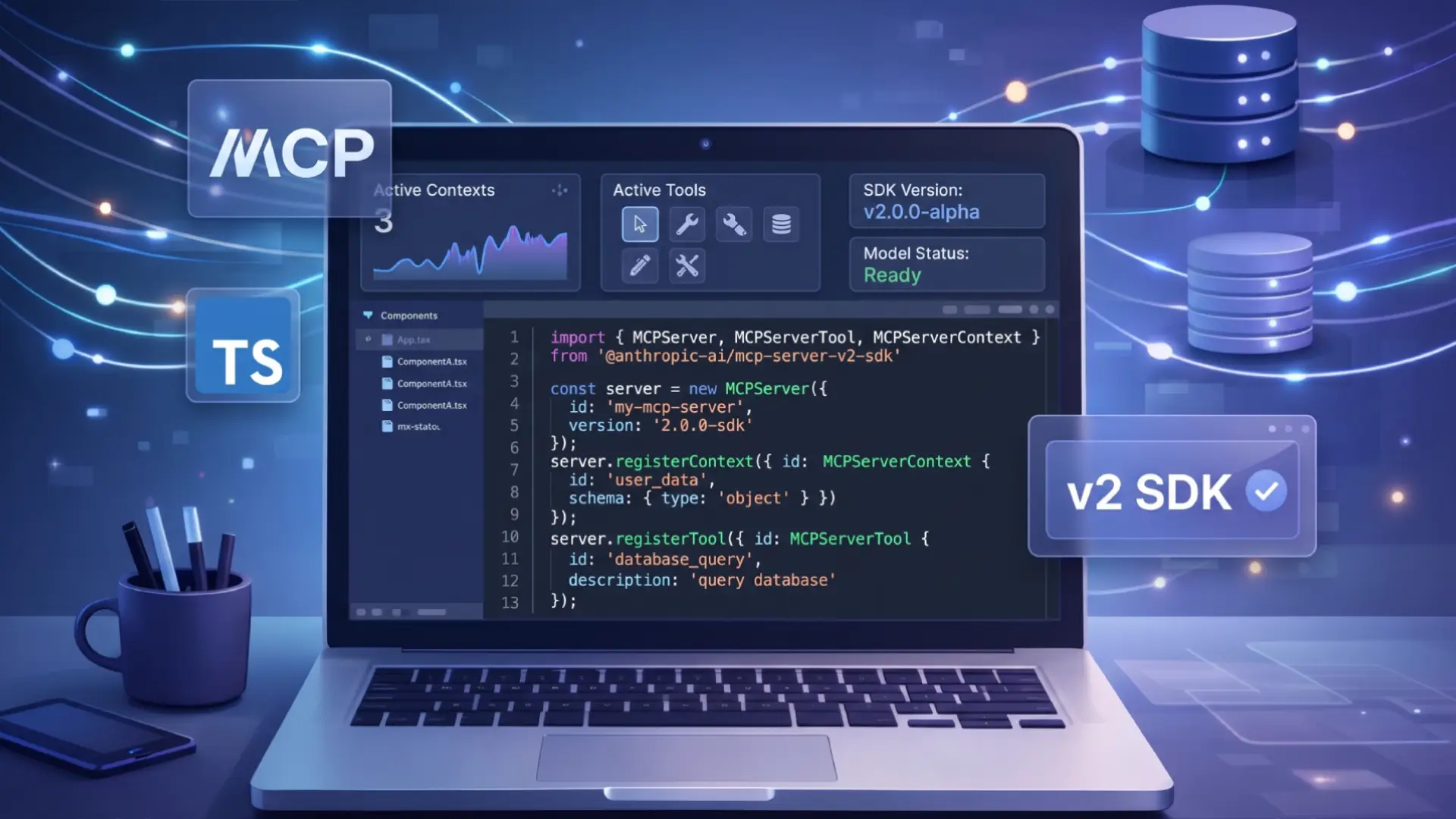
Tool calling is also called function calling, and OpenAI function calling, LLM function calling and tool use all describe the same mechanism. You describe your tools as JSON schemas. The model, instead of replying with text, replies with a structured request to call one, and your code executes it. Everything else about the request, streaming, retries, caching and cost, works as described in LLM API integration. The model never runs anything itself. That is worth internalising, because it means every safety property of your agent is a property of your executor, not of the model. The exact request and response shapes are provider-specific and worth reading once rather than inferring from a wrapper library: Claude tool use documents the version I reach for most. To make the same tools callable from Claude Code, an IDE or someone else's agent, not just your own loop, package them as an MCP server in TypeScript.
import Anthropic from '@anthropic-ai/sdk';

const client = new Anthropic();

const tools: Anthropic.Tool[] = [
  {
    name: 'get_order_status',
    description:
      'Look up the current status of a customer order by its ID. ' +
      'Returns status, carrier and estimated delivery date. ' +
      'Use when the customer asks where their order is.',
    input_schema: {
      type: 'object',
      properties: {
        orderId: {
          type: 'string',
          description: 'Order ID, format ORD-12345',
        },
      },
      required: ['orderId'],
      additionalProperties: false,
    },
  },
];

const response = await client.messages.create({
  model: 'claude-opus-5',
  max_tokens: 16000,
  tools,
  messages: [{ role: 'user', content: 'Where is order ORD-88213?' }],
});

console.log(response.stop_reason); // 'tool_use'
The loop itself
The shape below, act then observe then decide again, is the one described in ReAct (Yao et al., 2022). The paper predates native tool calling and had to coax the pattern out of prompt formatting, which the API now does structurally. Reading it is still worthwhile: it is clear about why interleaving reasoning with observation beats planning the whole sequence upfront, and that is exactly the property you lose when you flatten an agent into a fixed workflow.
const messages: Anthropic.MessageParam[] = [
  { role: 'user', content: userInput },
];

while (true) {
  const response = await client.messages.create({
    model: 'claude-opus-5',
    max_tokens: 16000,
    tools,
    messages,
  });

  if (response.stop_reason === 'end_turn') break;

  // A server-side tool hit its iteration limit. Re-send to continue.
  if (response.stop_reason === 'pause_turn') {
    messages.push({ role: 'assistant', content: response.content });
    continue;
  }

  const toolUses = response.content.filter(
    (b): b is Anthropic.ToolUseBlock => b.type === 'tool_use'
  );

  messages.push({ role: 'assistant', content: response.content });

  // Run them in parallel, then return every result in ONE user message.
  const results = await Promise.all(
    toolUses.map(async (tool) => {
      try {
        const output = await execute(tool.name, tool.input);
        return {
          type: 'tool_result' as const,
          tool_use_id: tool.id,
          content: JSON.stringify(output),
        };
      } catch (error) {
        // Hand the error back. Do not drop the block.
        return {
          type: 'tool_result' as const,
          tool_use_id: tool.id,
          content: `Error: ${(error as Error).message}`,
          is_error: true,
        };
      }
    })
  );

  messages.push({ role: 'user', content: results });
}Let the SDK own the loop
Having seen the loop, you mostly should not write it. The SDK ships a tool runner that does the same thing with the edge cases handled:
import { betaZodTool } from '@anthropic-ai/sdk/helpers/beta/zod';
import { z } from 'zod';

const getOrderStatus = betaZodTool({
  name: 'get_order_status',
  description: 'Look up the current status of a customer order by its ID.',
  inputSchema: z.object({
    orderId: z.string().describe('Order ID, format ORD-12345'),
  }),
  run: async ({ orderId }) => {
    const order = await db.order.findUnique({ where: { id: orderId } });
    if (!order) return 'No order found with that ID.';
    return JSON.stringify({ status: order.status, carrier: order.carrier });
  },
});

const finalMessage = await client.beta.messages.toolRunner({
  model: 'claude-opus-5',
  max_tokens: 16000,
  tools: [getOrderStatus],
  messages: [{ role: 'user', content: userInput }],
});
The schema is derived from the Zod definition, so the description and the validation cannot drift apart. Write the manual loop only when you need control the runner does not expose. Human approval is not one of those cases: gate inside run() and return a "the user declined this" string, which the model handles gracefully.
Tool descriptions are the actual prompt engineering
The model chooses tools based on their descriptions. A vague description produces a tool called at the wrong time or never, and no amount of system prompt fixes it.
// Too thin. When is "search" the right choice? What does it search?
{ name: 'search', description: 'Searches for things' }

// Says what it does, what it returns, and when to reach for it.
{
  name: 'search_knowledge_base',
  description:
    'Search internal product documentation and support articles. ' +
    'Returns up to 5 passages with their source URLs. ' +
    'Use for questions about how features work or how to configure them. ' +
    'Do not use for customer-specific data such as orders or billing; ' +
    'use get_order_status or get_billing_summary for those.',
}
Saying explicitly when not to use a tool is the part people omit and it does most of the work when you have several tools with adjacent purposes. Write these as though for a competent new colleague who has never seen your system and cannot ask questions.
Keep the tool count down
Every tool definition is tokens on every request, and selection accuracy drops as the list grows. Past roughly fifteen or twenty tools, the model starts confusing similar ones. If you have forty, the usual cause is one tool per API endpoint. Consolidate around what the model is trying to accomplish rather than around your service boundaries.
How do agents fail in production?
These are not theoretical. Each has a specific mitigation.
The loop that does not end
The model calls a tool, gets a result it cannot use, calls it again with the same arguments, and repeats until you notice the bill. Cap the iterations, always:
let iterations = 0;
const MAX_ITERATIONS = 15;

while (iterations++ < MAX_ITERATIONS) {
  // ... the loop
}

if (iterations >= MAX_ITERATIONS) {
  // Do not silently return a half-finished answer as if it were complete.
  throw new AgentIncompleteError('Hit iteration limit', { messages });
}
The tell is a repeated identical tool call. Logging every call with its arguments makes it obvious in seconds and impossible to spot without.
The context that fills up
Every tool result is appended to the conversation and re-sent on the next request. An agent that reads ten files has all ten in context on turn eleven, paying for them every turn. Cost grows quadratically, and eventually the window fills.
The mitigations, in the order I would apply them: have tools return summaries rather than raw dumps; cap the size of any single tool result; and for long-running agents, use context editing or compaction so old tool results are cleared or summarised server-side rather than carried forever.
The tool that does damage
The model decides to call delete_records because a user phrased something ambiguously. This is not the model malfunctioning; it is doing what a plausible reading of the request suggested.
const deleteRecord = betaZodTool({
  name: 'delete_record',
  description: 'Permanently delete a record. Requires prior user confirmation.',
  inputSchema: z.object({
    recordId: z.string(),
    confirmed: z.boolean().describe('Set only after the user explicitly agreed'),
  }),
  run: async ({ recordId, confirmed }) => {
    if (!confirmed) {
      return 'Not deleted. Ask the user to confirm, then call again.';
    }
    // Authorisation lives here, not in the calling code.
    if (!(await canDelete(session.userId, recordId))) {
      return 'Not deleted. The current user does not have permission.';
    }
    await db.record.delete({ where: { id: recordId } });
    return 'Deleted.';
  },
});
Returning a string rather than throwing lets the model recover and explain to the user, instead of the whole run failing. The same principle applies to any tool exposed through a web endpoint, which is the argument I made about Server Actions in React Server Components and Server Actions.
When do multi-agent systems help?
Before reaching for an AI agent framework here, note that most of what they provide is the loop you already saw plus opinionated state handling. The SDK tool runner covers the loop, so a framework earns its place only when you want its orchestration primitives specifically.
The pattern is one coordinating agent that delegates to specialised ones. It genuinely helps in one situation: when subtasks are independent and each involves reading a lot, so a single agent would fill its context with material the final answer does not need. Researching six vendors and producing a comparison is the canonical fit.
It does not help when the subtasks depend on each other. Passing state between agents means summarising, summarising loses detail, and the coordinator ends up making decisions on a lossy view. That is slower, costs several times more, and is much harder to debug than one agent with good tools.
My rule: exhaust single-agent options first. Better tool descriptions, fewer and better-scoped tools, and returning summaries instead of raw data solve most of what people reach for multi-agent architectures to fix.
Evaluating an agent
Agents are non-deterministic, so "it worked when I tried it" is not evidence. What I track, per run: the sequence of tools called, total tokens, iteration count, and whether the final answer was correct.
The tool sequence is the most useful of those, because it turns a vague "the answer was bad" into something specific. You can see whether it never called the tool it needed, called the right one with bad arguments, or had everything it needed and still got the answer wrong. Those are three different bugs with three different fixes, and without the trace they are indistinguishable.
Twenty recorded scenarios with their expected tool sequences, run before each prompt change, will catch more regressions than any amount of manual testing.
What I would actually build
Start with the workflow. Write the flowchart in code, call the model at the steps that need judgement, and you get something you can reason about. Move to an agent only when you hit a case where the next step genuinely cannot be known in advance.
That is the shape of AstraFlow, the support automation platform I built for a hosting company. It is a workflow, not an agent: the model classifies and replies to each ticket, confidence scoring decides whether that reply goes out, and anything it is unsure of reaches a human with an AI-written summary attached.
When you do, use the SDK's tool runner rather than a framework or a hand-written loop. Give it few tools with careful descriptions, cap the iterations, log every call, and put authorisation inside each tool. That is a boring agent, and boring is the correct target for something non-deterministic that spends money.
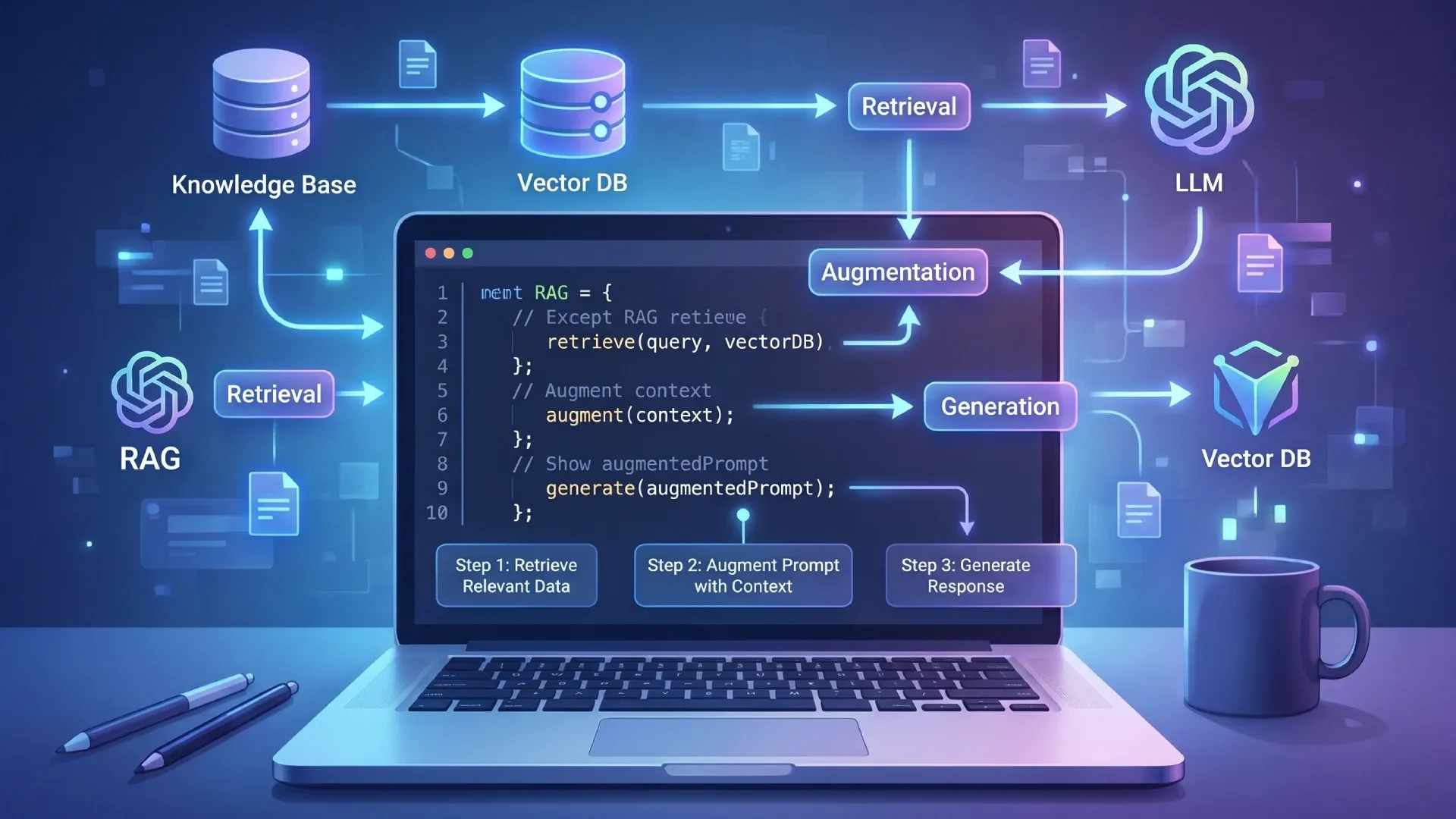
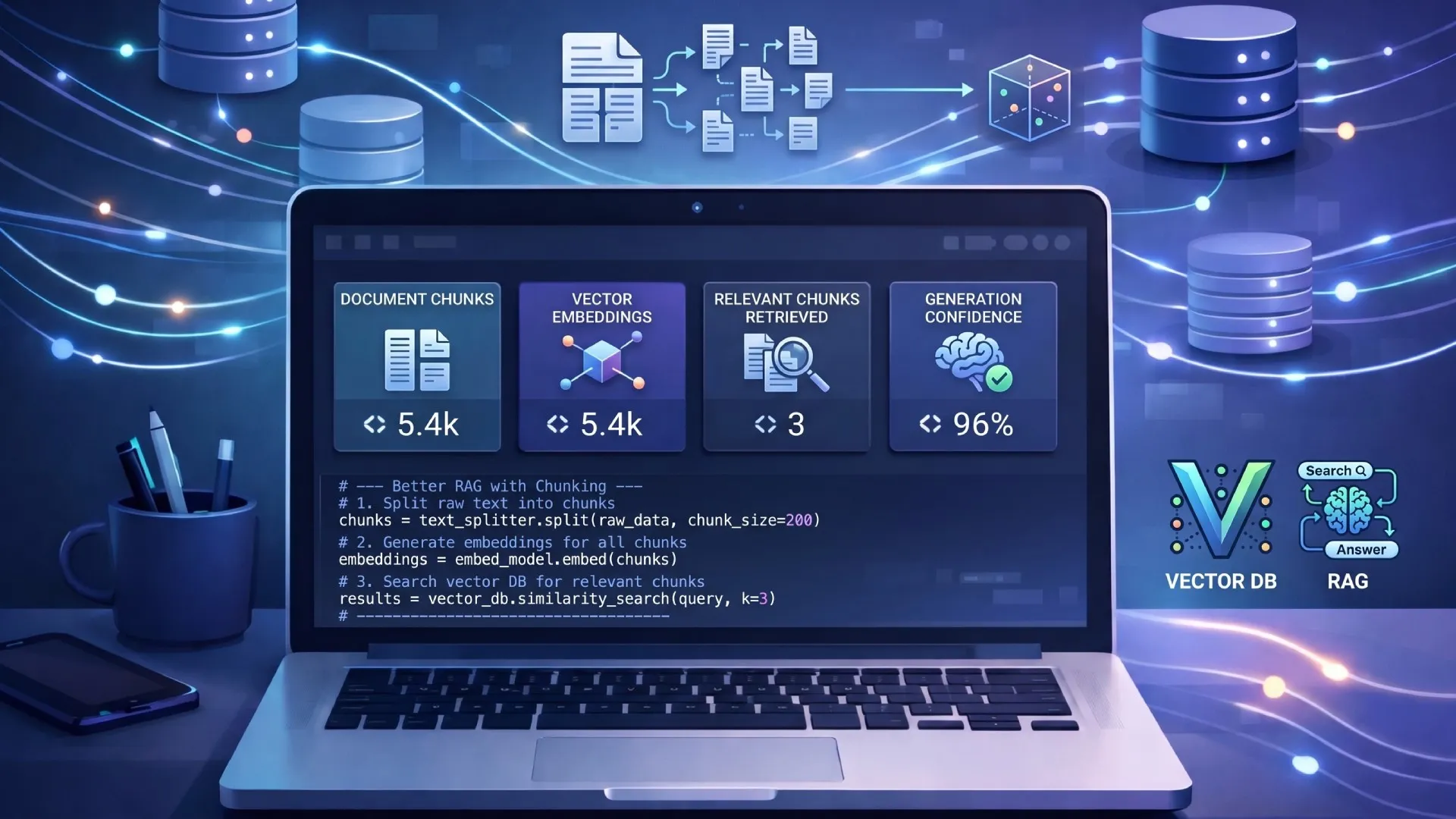
If the agent's job is mostly answering questions from your own documents, a retrieval system is a better fit than tools, and a RAG pipeline will be cheaper and more predictable than an agent that searches. The quality of that system is decided by chunking and embeddings, not by the agent wrapped around it.
Frequently asked questions
What is an AI agent?
A loop. The model receives a goal and a set of tools, decides which tool to call, your code executes it and returns the result, and the model decides again until it says it is finished. The model never runs anything itself, which means every safety property of an agent is a property of your tool implementations rather than of the model. That distinction is the one worth internalising, because it tells you where to put permission checks, rate limits and confirmation steps: in the executor, where they cannot be talked out of. The pattern is usually traced to the ReAct paper from 2022, which interleaved reasoning with observation before APIs supported tool calling natively. What changed since is the plumbing rather than the idea. Anything that only ever calls one tool once is a function call with extra steps rather than an agent, and is better written as one.
When should I build an agent instead of a workflow?
Only when the sequence of steps genuinely depends on what is discovered along the way. The test is simple: if you can draw the flowchart, write the flowchart in code instead. That is cheaper, faster, and debuggable with a stack trace rather than a transcript. Extracting fields from an invoice is not an agent. Investigating why a deployment failed, where the second step depends on what the first one found, is. Anthropic draws the same line between workflows and agents in its guidance on building effective agents, and argues for composable patterns over frameworks, which matches my experience. The cost of getting this wrong is not just money. An agent is non-deterministic, so every bug report becomes a question of what happened this time. Many production systems are best shaped as a workflow with a single agentic step inside it, rather than as an agent all the way down.
Why does my agent loop forever?
The model calls a tool, gets a result it cannot use, and calls it again with the same arguments. Cap iterations at around fifteen and raise an error rather than returning a half-finished answer as though it were complete. Logging every tool call with its arguments makes the repeated identical call obvious immediately, and it is usually obvious what the model wanted that the tool did not give it. The underlying fix is normally the tool rather than the prompt: an error string that says request failed gives the model nothing to act on, while one that says no order exists with that ID lets it stop or ask. Return errors as useful text rather than throwing, so the model can read them and change course. Tracking consecutive identical calls and breaking on the second one is a cheaper signal than waiting for the iteration cap to trip.
How many tools should an agent have?
Fewer than you think. Every tool definition costs tokens on every request, and selection accuracy drops as the list grows. Past roughly fifteen to twenty tools the model starts confusing similar ones, and the failures are hard to spot because it picks something plausible rather than erroring. If you have forty, the cause is usually one tool per API endpoint. Consolidate around what the model is trying to accomplish rather than around your service boundaries: one search tool with a filter argument beats six near-identical search tools. When a domain genuinely needs many tools, splitting into several specialised agents behind a coordinator keeps each list short, at the cost of extra orchestration you should be sure you need. Whatever the count, write each name and description for the model rather than for your codebase, because that description is the prompt.
Related Articles